Introduction
The internet has become an essential part of everyday life.
How to Stay Safe Online. We use it to communicate with family and friends, manage bank accounts, shop for products, study, work, store photos, access government services and entertain ourselves. Smartphones and connected devices have made this access even easier, allowing people to go online almost anywhere.
But convenience also creates risks.
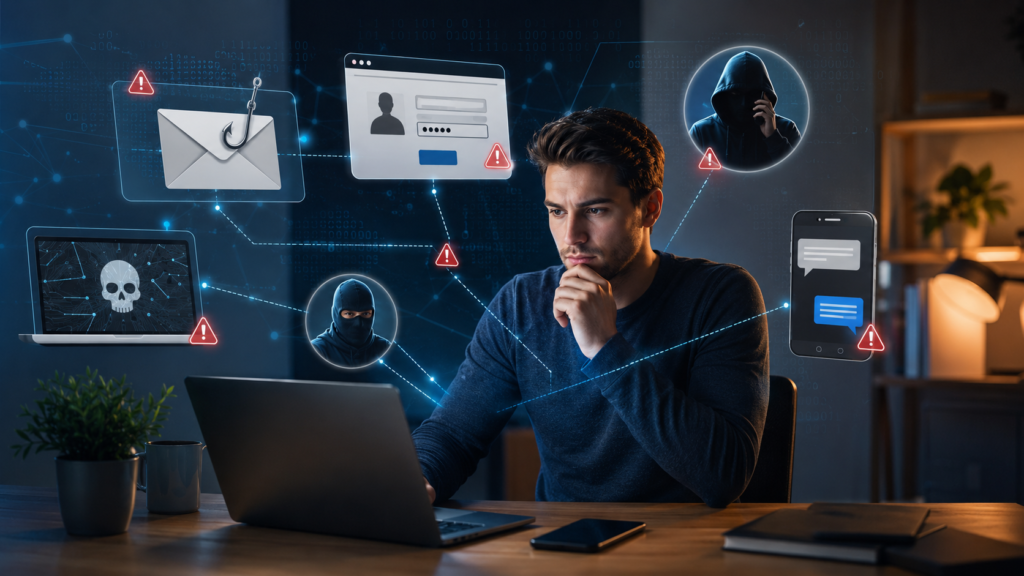
Cybercriminals use phishing emails, fake websites, malicious software, stolen passwords, fraudulent messages and social engineering to target ordinary internet users. A security problem does not always require advanced hacking skills. Sometimes, clicking a convincing link, reusing a password or sharing too much information online can be enough to create a serious problem.
Staying safe online therefore isn’t about becoming a cybersecurity expert.
It is about developing good everyday digital habits.
Strong passwords, multi-factor authentication, software updates, careful browsing, privacy awareness and regular backups can significantly reduce many common risks.
This guide explains practical steps everyday internet users can take to protect their accounts, personal information, devices and digital identity.
Understand the Most Common Online Threats
Before learning how to stay safe, it helps to understand what you are protecting yourself against.
Phishing
Phishing is an attempt to trick someone into revealing information or performing an action.
A criminal might send an email claiming to be from a bank, delivery company, government agency, employer or online service.
The message may say:
“Your account has been suspended. Click here to verify your information.”
The link may lead to a fake website designed to steal your username, password, payment details or other information.
Phishing can happen through email, text messages, social media, messaging applications and even phone calls.
Malware
Malware is malicious software designed to damage systems, steal information, spy on users or provide unauthorized access.
It can include viruses, ransomware, spyware and other forms of malicious software.
Malware can sometimes enter a device through malicious attachments, unsafe downloads, compromised websites or deceptive software.
Social Engineering
Social engineering attacks manipulate people rather than simply attacking technology.
A criminal might pretend to be a technical-support employee, bank representative, colleague or family member.
The attacker attempts to create urgency, fear or trust so that the victim reveals information or transfers money.
Understanding this is important because even excellent technical security can be undermined by manipulation.
Create Strong, Unique Passwords
Passwords remain one of the most important parts of online security.
One of the biggest mistakes people make is using the same password across multiple websites.
Imagine that you use the same password for your email, shopping account and social-media account.
If one website suffers a data breach and your password is exposed, criminals may try the same credentials on your other accounts.
Using unique passwords reduces this risk.
A strong password should generally be:
- Long
- Unique
- Difficult to guess
- Not based on easily available personal information
Instead of relying on short, complicated passwords that are difficult to remember, consider using longer passphrases.
For example, a memorable combination of unrelated words can be easier to manage while still providing substantial length.
Avoid passwords based on:
- Your name
- Birthday
- Address
- Phone number
- Family members’ names
- Common words
- Simple patterns
Consider Using a Password Manager
Remembering dozens of unique passwords can be difficult.
A password manager can securely store passwords and generate strong passwords for different websites and services.
Instead of remembering every password individually, you generally need to protect one primary account or master credential.
Password managers can also help identify weak or reused passwords.
However, the password manager itself becomes an important account to protect.
Use a strong master password and enable multi-factor authentication where available.
Turn On Multi-Factor Authentication
A password alone does not have to be your only layer of security.
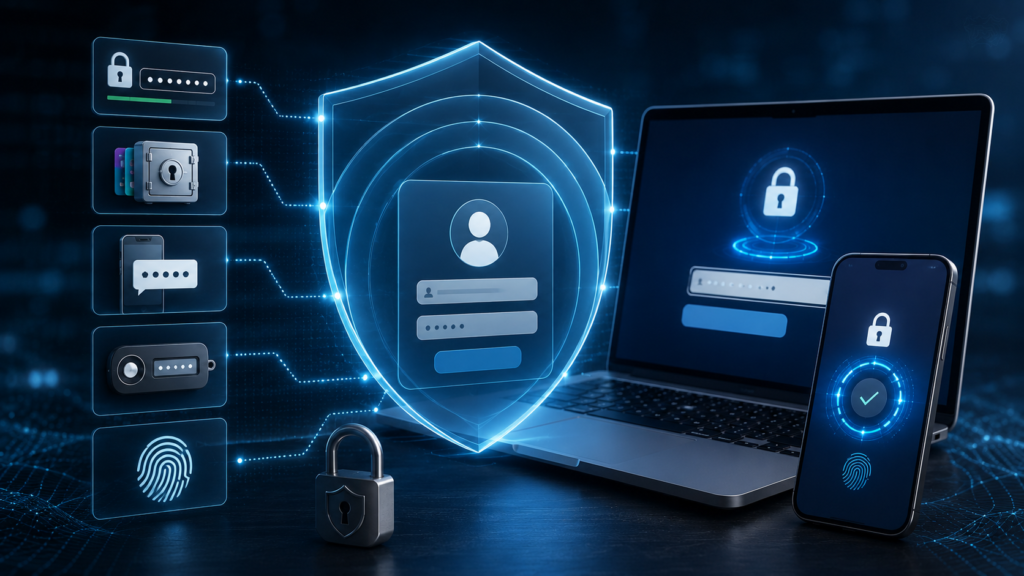
Multi-factor authentication (MFA) requires an additional verification method when you sign in.
Depending on the service, this might involve:
- An authenticator application
- A security key
- A confirmation on another device
- A one-time code
- Biometrics
MFA can protect an account even if someone discovers your password.
For example, if a criminal obtains your password through a phishing attack but cannot complete the additional authentication step, they may be prevented from accessing the account.
Prioritize MFA for particularly important accounts such as:
- Banking
- Cloud storage
- Social media
- Work accounts
- Password managers
🔐 CurioReader Insight: Your email account deserves special attention because it can often be used to reset passwords for many of your other accounts. Protecting your email can therefore protect much more than your inbox.
Keep Your Software Updated
Software updates are not only about adding new features.
They often contain security fixes that address vulnerabilities discovered by researchers or exploited by attackers.
This applies to:
- Operating systems
- Web browsers
- Mobile applications
- Computer software
- Routers
- Smart devices
- Security software
Enable automatic updates where practical.
If your device repeatedly asks you to install an important security update, don’t ignore it indefinitely.
Older software may contain vulnerabilities that have already been publicly documented.
Keeping software current reduces exposure to known security problems.
Be Careful With Links
One of the simplest ways to improve online safety is to slow down before clicking.
A message might contain a link that appears to come from a legitimate company.
Before clicking, ask:
Was I expecting this message?
Does the sender make sense?
Is the request unusually urgent?
Does the website address look correct?
Is the message asking for sensitive information?
Be especially cautious when a message tells you that you must act immediately.
Phrases such as:
- “Your account will be closed today”
- “You have won a prize”
- “Your payment failed”
- “Confirm your identity immediately”
- “Suspicious activity detected”
can be used to create emotional pressure.
Instead of clicking the link in the message, open the official website or application yourself and check your account there.
Learn to Recognize Fake Websites
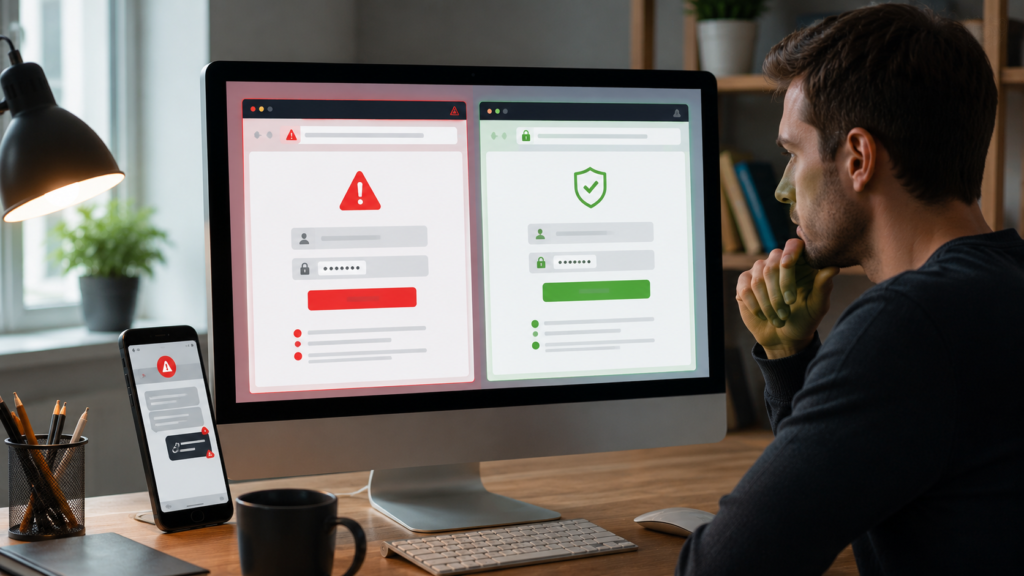
A website can look professional and still be fraudulent.
Criminals can copy logos, colours, layouts and wording from legitimate organizations.
Before entering sensitive information, examine the website address carefully.
Look for:
- Misspelled domain names
- Strange subdomains
- Unusual extensions
- Unexpected redirects
- Requests for unnecessary information
A padlock or HTTPS connection is useful because it indicates that the connection is encrypted, but it does not prove that the website itself is legitimate.
A fraudulent website can also use HTTPS.
The safest approach is to verify that you are actually visiting the intended organization’s official domain.
Protect Your Personal Information
Personal information has value.
Details such as your full name, phone number, address, date of birth and account information can potentially be used for identity theft, fraud or targeted scams.
Think carefully before sharing personal information online.
Social media can unintentionally reveal useful information to criminals.
For example, publicly posting your birthday, workplace, location, family relationships and holiday plans can create a detailed profile about you.
You don’t have to stop using social media.
Instead, review your privacy settings and think about what information genuinely needs to be public.
Be Careful What You Share on Social Media
Social media posts can remain accessible for much longer than expected.
Before posting, consider:
Would I be comfortable if this information became public?
Avoid publicly sharing sensitive information such as:
- Home security details
- Travel plans while your home is empty
- Identification documents
- Financial information
- Password-related information
- Private workplace information
Be particularly careful with photographs of official documents.
A photo may reveal more information than you intended, including identification numbers, addresses or barcodes.
Shop Online Carefully
Online shopping is convenient, but fake stores can look remarkably convincing.
Before purchasing from an unfamiliar website, investigate the seller.
Look for:
- A legitimate business identity
- Clear contact information
- Independent reviews
- Transparent return policies
- Secure payment options
- A genuine website domain
Be cautious of offers that appear dramatically cheaper than comparable products elsewhere.
A very low price can sometimes be used to attract victims to fraudulent websites.
Avoid making payments through unusual methods simply because a seller insists on them.
Protect Your Banking and Payment Accounts
Financial accounts deserve extra protection.
Use strong, unique passwords and MFA where available.
Never provide banking credentials in response to an unexpected email or message.
If someone contacts you claiming to represent your bank and asks you to transfer money to a “safe account,” stop and independently contact the bank using an official phone number or application.
Criminals can create convincing scenarios involving supposed fraud investigations or account problems.
Remember:
Urgency is not proof of legitimacy.
Take time to verify unexpected financial requests.
Be Careful on Public Wi-Fi
Public Wi-Fi can be useful in airports, hotels, libraries, cafes and other locations.
However, users should be cautious when using unfamiliar networks.
A network name can potentially be imitated, and public networks may not provide the same level of security as a trusted private network.
When using public Wi-Fi:
- Avoid accessing sensitive accounts when unnecessary
- Confirm that you are connected to the legitimate network
- Keep your device’s security features enabled
- Avoid downloading unknown files
- Use HTTPS websites
- Consider using a trusted VPN when appropriate
Most importantly, remember that public Wi-Fi does not automatically mean that everything you do online is unsafe. Modern websites often use encryption, but good security habits remain important.
Secure Your Home Wi-Fi
Your home network connects many devices to the internet.
These can include:
- Computers
- Smartphones
- Smart televisions
- Security cameras
- Printers
- Gaming consoles
- Smart speakers
- Internet-of-things devices
Change the default administrator password on your router if necessary.
Use modern Wi-Fi security settings supported by your equipment and keep router firmware updated.
You should also change default credentials on smart devices where possible.
A secure home network creates an important defensive layer around connected devices.
Back Up Important Data
Cybersecurity isn’t only about preventing attacks.
You should also prepare for what happens if something goes wrong.
Imagine losing your family photographs, important documents or work files because of hardware failure, theft, accidental deletion or ransomware.
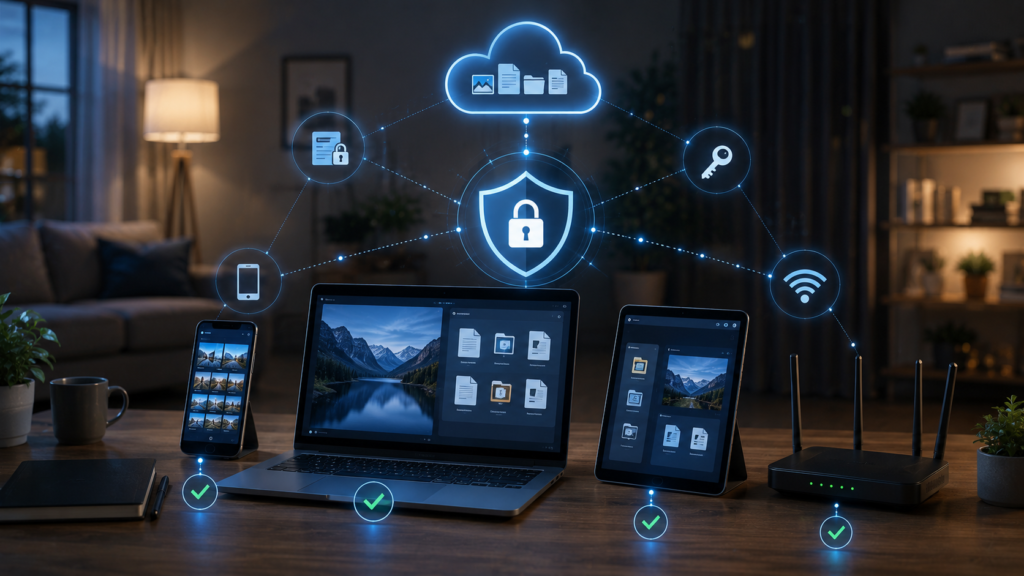
Regular backups can reduce the impact.
Important files can be backed up using appropriate combinations of:
- External storage
- Cloud storage
- Network storage
- Other secure backup systems
For particularly important information, maintaining more than one backup can provide additional protection.
A backup is only useful if you can actually restore your data.
Periodically check that important files have been backed up successfully.
Protect Your Smartphone
Smartphones contain enormous amounts of personal information.
They may provide access to:
- Banking
- Social media
- Photos
- Contacts
- Authentication applications
- Cloud storage
Protect your phone with a strong screen lock.
Use biometric authentication where appropriate.
Install updates promptly.
Only install applications from trusted sources and review application permissions.
If an application requests access that seems unrelated to its purpose, think carefully before granting permission.
For example, a simple flashlight application should not necessarily require extensive access to unrelated personal information.
Don’t Install Suspicious Software
Be careful when downloading software.
Criminals sometimes disguise malware as:
- Free games
- Browser extensions
- Software updates
- Video players
- Productivity tools
- Pirated software
- Fake security programs
Download applications from reputable sources whenever possible.
Be suspicious of websites that tell you that your computer is infected and immediately offer a download to “fix” it.
Legitimate security software does not need to rely on frightening pop-ups to pressure you into installing unknown programs.
Recognize Tech-Support Scams
A common scam involves someone claiming that your computer or account has a serious technical problem.
You might receive a phone call, pop-up or message saying:
“Your computer has been infected. Contact support immediately.”
The scammer may then ask for remote access, payment or login information.
Do not automatically trust unexpected technical-support requests.
If you think your device has a problem, contact the manufacturer or service provider using contact information obtained independently from the official website.
Never give an unknown person remote access to your computer simply because they claim to be technical support.
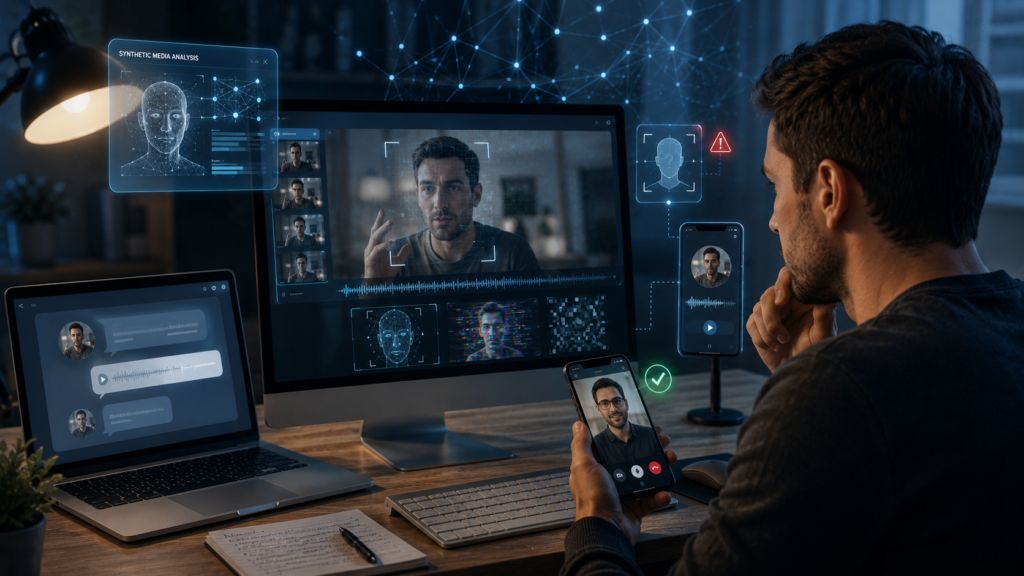
Be Careful With AI-Generated Content
Artificial intelligence has created new possibilities for online scams.
AI can be used to generate convincing text, images, voice recordings and videos.
This means that seeing a familiar person’s face or hearing a familiar voice is not always enough to establish authenticity.
Criminals can potentially use AI-generated content to impersonate people or create convincing fraudulent messages.
When a request involves money, passwords, confidential information or urgent action, verify it through another communication channel.
For example, if someone sends you an unusual financial request through messaging software, call them using a trusted phone number rather than simply replying to the message.
🤖 CurioReader Insight: As AI-generated content becomes more convincing, digital safety increasingly depends on verification, not simply on whether something looks or sounds real.
Learn to Spot Online Scams
Scams often share recognizable characteristics.
Be cautious when someone:
- Creates extreme urgency
- Promises guaranteed profits
- Requests unusual payments
- Asks for passwords or verification codes
- Threatens immediate consequences
- Claims you have won something unexpectedly
- Requests secrecy
- Asks you to move a conversation to another platform
A legitimate organization may contact you about an account problem, but unexpected requests for sensitive information should always be independently verified.
Review Your Accounts Regularly
Online security is not a one-time activity.
Every few months, review your important accounts.
Check:
- Recent login activity
- Connected devices
- Recovery email addresses
- Phone numbers
- Third-party applications
- Active sessions
- Security settings
If you see something unfamiliar, investigate it.
Many services allow you to sign out of other devices remotely or revoke third-party access.
Removing old accounts and unused applications can also reduce your digital exposure.
What to Do If You Think You’ve Been Hacked
Don’t panic.
Act quickly.
First, secure the affected account if possible.
Change the password from a trusted device and enable MFA.
If the same password was used elsewhere, change those passwords too.
Check for unauthorized account changes, suspicious transactions and unfamiliar login sessions.
If financial information may have been compromised, contact your bank or relevant financial institution through an official channel.
If malware is suspected, disconnecting the affected device from networks may help limit further communication while you investigate.
Depending on the situation, you may also need to report the incident to the relevant service provider or authorities.
The exact response depends on what happened.
Build a Simple Online Safety Routine
You don’t need to think about cybersecurity every minute.
A simple routine can make a major difference.
Every day
- Think before clicking unexpected links.
- Be suspicious of urgent requests.
- Avoid sharing sensitive information unnecessarily.
Every few weeks
- Install pending security updates.
- Review unusual account notifications.
- Check that important devices are functioning normally.
Every few months
- Review important account security settings.
- Remove unused applications and accounts.
- Check backup systems.
- Review social-media privacy settings.
- Update weak or reused passwords.
This turns cybersecurity into a normal digital habit rather than something you only think about after an incident.
Key Takeaways
- Use long, unique passwords for important accounts.
- Consider using a reputable password manager.
- Enable multi-factor authentication wherever available.
- Keep operating systems, browsers, applications and devices updated.
- Be suspicious of unexpected links and urgent messages.
- Verify websites before entering sensitive information.
- Protect personal information and review social-media privacy settings.
- Use caution when shopping from unfamiliar websites.
- Protect banking and payment accounts carefully.
- Be cautious when using public Wi-Fi.
- Secure your home router and connected devices.
- Back up important files regularly.
- Protect smartphones with strong authentication.
- Avoid suspicious downloads and software.
- Be alert to technical-support scams.
- Remember that AI-generated content can make impersonation scams more convincing.
- If something seems unusual, stop and verify it independently.
Frequently Asked Questions
What is the most important thing I can do to stay safe online?
Start with strong, unique passwords and multi-factor authentication. These provide important protection for your most valuable accounts.
How can I tell if an email is a scam?
Look for unexpected requests, urgency, suspicious links, unusual sender addresses, requests for sensitive information and messages that create fear or pressure. When in doubt, contact the organization independently.
Is HTTPS enough to make a website safe?
No. HTTPS encrypts communication between your browser and the website, but it does not prove that the website itself is legitimate.
Should I use the same password for multiple accounts?
No. Reusing passwords increases the potential damage if one account is compromised.
Is public Wi-Fi dangerous?
Public Wi-Fi can carry additional risks, particularly on unfamiliar networks. Modern websites often use encryption, but users should still avoid unnecessary sensitive activity and maintain good security practices.
Should I install antivirus software?
Security software can provide useful protection, particularly on computers, but it should be combined with software updates, careful browsing, strong authentication and other security practices.
Can AI be used in online scams?
Yes. AI can help criminals create convincing messages, images, voices and other content. Unusual requests should therefore be independently verified even when they appear to come from someone you know.
What should I do if I accidentally click a suspicious link?
Don’t panic. Avoid entering information or downloading anything. If you entered a password, change it promptly from a trusted device and enable MFA. If you downloaded a suspicious file, consider disconnecting the device from the internet and running appropriate security checks.
How often should I change my passwords?
Instead of changing every password on an arbitrary schedule, prioritize using strong, unique passwords and MFA. Change a password immediately if you believe it has been exposed or compromised.
What should I back up?
Back up important files that would be difficult or impossible to replace, such as personal photographs, important documents, work files and other valuable data.
Conclusion
Staying safe online does not require advanced technical knowledge.
Most people can significantly improve their digital security by adopting a relatively small number of consistent habits.
Use strong and unique passwords.
Enable multi-factor authentication.
Keep your software updated.
Think carefully before clicking links.
Verify unexpected requests.
Protect personal information.
Back up important files.
Be cautious with unfamiliar websites, downloads and online offers.
Perhaps the most important habit is simply learning to pause before acting.
Cybercriminals often rely on speed and emotion. A message may try to make you frightened, excited or anxious enough to act without thinking.
You don’t have to respond immediately.
If an email claims your bank account is in danger, open your banking application yourself.
If someone claiming to be a family member asks for money, contact them through another method.
If a website offers an unbelievable bargain, investigate the seller before purchasing.
If someone asks for a password or security code, stop and question why they need it.
Technology will continue to change.
Artificial intelligence will make some scams more convincing. Connected devices will become more common. Online services will continue to store increasing amounts of personal information.
But the basic principles of digital safety will remain remarkably consistent.
Protect your accounts. Protect your devices. Protect your information. Think before you trust. Verify before you act.
Online safety is not about eliminating every possible risk.
It is about making yourself a much harder target and reducing the consequences when something goes wrong.
Good cybersecurity begins with small decisions made every day—and those decisions can make a significant difference.
Enjoyed this article? Continue exploring CurioReader with these related guides and expand your knowledge on this topic.
What Is Artificial Intelligence? A Beginner’s Guide
Explore these trusted resources for additional information and further reading on this topic.